
AI-prototyping lessons learned: Still more duct-tape than magic
Why, despite some incredible examples from tools like ReplitAI or CursorAI...turning AI-generated code into real micro-SaaS products is still harder than it looks for the nontechnical builder

After spending the last two years building Women Defining AI and Almost Technical—initiatives designed to help everyday people adopt AI in novel ways to create solutions, not just work better—I’ve come to a humbling realization:
Despite all the talk and hype about AI-coding agents, there’s still a steep learning curve and more friction than you’d expect, especially if you’re a nontechnical or business-minded person diving into product-building with AI.
And here’s the kicker: those friction points? They aren’t where most people think they are.
This post explores the lessons I’ve learned teaching AI courses and prototyping AI-powered products over the last year. It also explains why this new “From Idea to Prototype” Substack was born—to share real ideas and prototypes, the process I go through (wins and fails included), and lessons learned to help other nontechnical builders navigate these challenges alongside me.
The Reality Check: Generating Code is just One Step
Code generation consistently tops the charts for generative AI use cases (Menlo Ventures 2024 report).And for good reason—code is structured, predictable, and much easier for LLMs to work with than natural language.
Ask any AI to “write a classic Hello World program,” and you’ll get perfectly functional code:
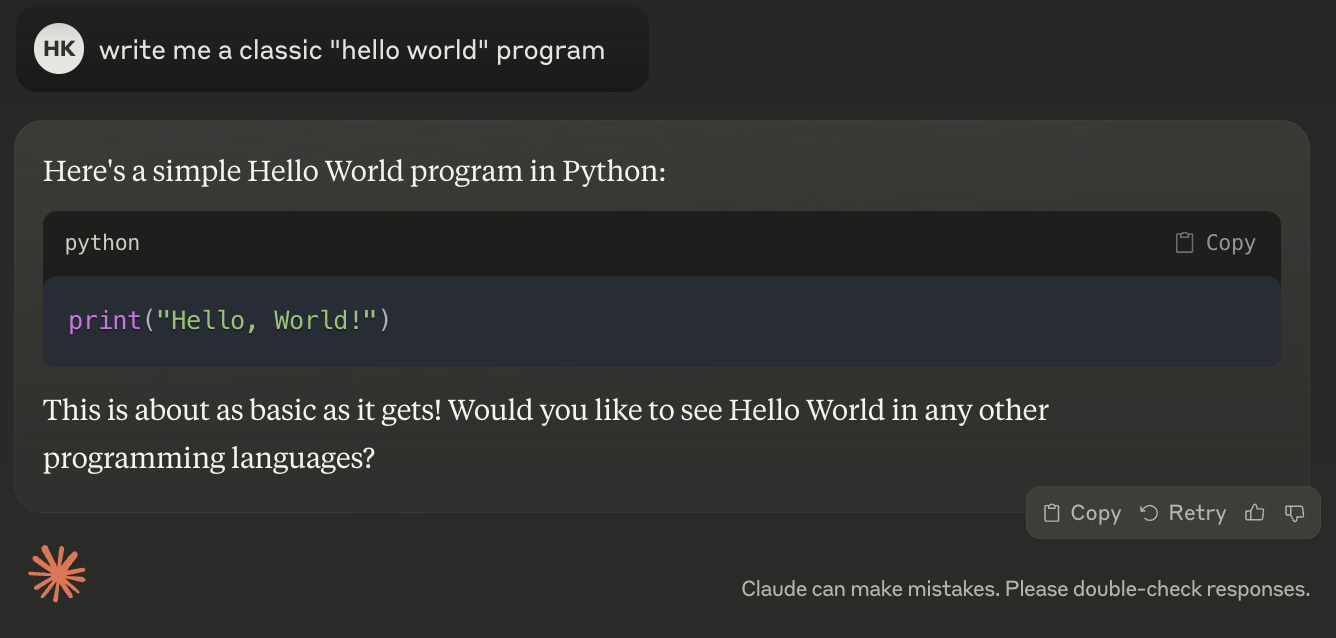
Hello World is the quintessential “first program” for learning any coding language. But even with something this simple, two questions often trip up beginners:
Where do I put the code?
How do I run it?
It sounds basic, but these are real hurdles for nontechnical users—and they only grow with complexity.
A Large Gap Between Generating Code and Building a Product
The hard part isn’t generating code—it’s turning it into something coherent, functional, and valuable.
As Gergley Orosz at the Pragmatic Engineer recently put it:
"Non-technical people creating working software without needing to rely on software developers has been the dream since the 1960s... LLMs offer us a higher level of abstraction where we can turn English into code. However, this new abstraction does not change the nature of how software is created." - How AI-assisted coding will change software engineering: hard truths
Example: Building a simple to-do list app
When I introduce the to-do list starter project in my Building Lightweight AI Apps 101 course, it often feels easy and basic, even for beginners because you can just start with 5 words and get working code that does what you would expect: let users add tasks, view tasks, and complete tasks.
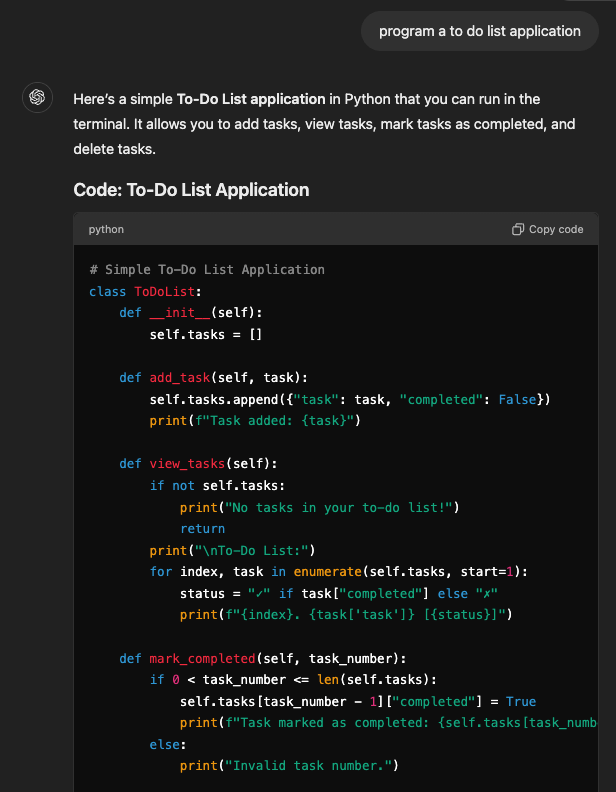
In seconds, the AI delivers working code (and in some platforms like Claude Artifacts, a way for you to test/interact with the experience). But here’s where it gets tricky:
It’s not ready for real users. Even for a simple app, essential features like deployment, storage, and authentication aren’t included.
Feature creep emerges quickly. Everyone has different ideas about what should be in a to-do app (especially to truly customize their idea and differentiate from a basic tool), and the complexity escalates.
The learning curve grows. Once you start layering databases, user authentication, and UI design, the challenges multiply.
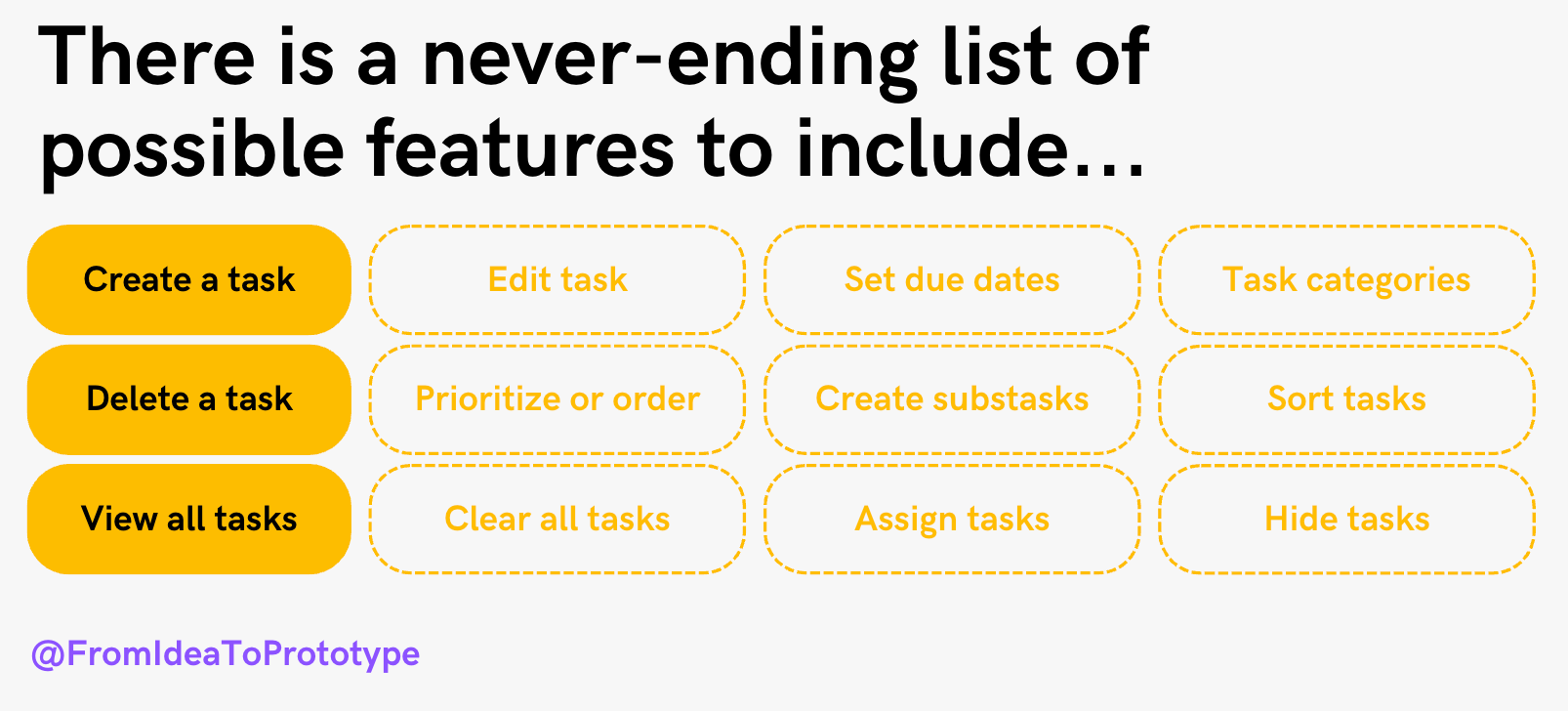
Building software is inherently iterative—and that doesn’t change just because AI is doing some of the heavy lifting. Often, I find myself teaching as much core product management skills as I do AI-coding skills, like:
How to translate an idea into explicit requirements or features
How to down scope the features to more successfully get a working version to start and evolve
And building a better intuition for what types of requirements or features are simpler to add, versus those that increase complexity by magnitudes
Note: If you’re interested in the AI building micro-course I talk about above, or access to more hands-on blueprints and community masterclasses, click below to join Almost Technical.
Product Development: Still a Lot of Duct-Tape
Beyond all of that, for most people experimenting with AI tools (myself included), the process also still involves cobbling together multiple tools and workflows. Here’s my typical setup:
Ideate & scope: Advanced voice with ChatGPT to walk and brainstorm ideas & scope out the simplest version of my idea
Refine into explicit product requirements: o1 in ChatGPT for more well thought-out requirements and plans. I find it helpful at this stage to get o1 to provide additional recommendations on how to simplify the prototype, or identify features that might be more complex to implement than I think
Iterate on the UI: Use v0 from Vercel to more rapidly iterate on the UI for the idea (or in a pinch, sometimes Claude.ai Artifacts). Again, being able to more explicitly describe or show the AI-coder where I want buttons or screens to be placed, makes it faster to get right
Build the prototype: Upload the requirements into Cursor AI and use Cursor to build out the prototype (I’ve experimented a little with Replit AI agent for simpler ideas instead of Cursor, and will across this substack explore/compare some of the GenAI tools for coding more in this chunk of the process)
Deploy: Deploy and launch on Vercel
Iterate and debug: Debug in Cursor and additional LLMs like ChatGPT/Claude/Gemini as a second pair of eyes as needed (because sometimes when you’re in spiral of errors and can’t seem to get anything to work, a second LLM can provide a better or different approach)

Another example of a product process (within the context of a broader and more mature product development team + process)

This workflow works, but it’s a patchwork of systems—and it assumes a baseline understanding of tools, environments, and processes that nontechnical users often lack.
Getting from Idea to Prototype
The goal isn’t just generating code—it’s about:
Scoping ideas well: Learning to define clear, achievable MVPs.
Stitching tools together: Understanding where AI tools are improving and where manual effort is still required.
Building software literacy: Gradually building the skills to navigate this space confidently.
This Substack is here to help you do exactly that. Whether you’re experimenting with your first AI-powered app or refining your workflow, I’ll share the tools, insights, and lessons I’ve learned to help you get from idea to prototype too!
Along the way, we’ll get a chance to use these real projects to explore the state of AI-coding agents as these tools get better & better at the rate of months rather than years. Who knows, maybe by the end of 2025, we’ll have complex production ready products or micro-SaaS businesses from one simple idea prompt.
Wouldn’t that be incredible?
Other resources for further reading on AI-prototyping
That I’ve really enjoyed, and are inspirations for this mini experiment here.
A guide to AI prototyping for product managers, by Colin Matthews on Lenny’s Newsletter
How AI-assisted coding will change software engineering: hard truths, by Addy Osmani and Gergely Orosz at The Pragmatic Engineer
I can’t believe we coded an app with AI in 67 mins (V0, Cursor AI, Replit, Claude AI), Riley Brown on The Startup Ideas Podcast
My 7 yo and I spent 25 minutes building a tic-tac-toe app with AI, a demo with Claire Vo
Mckay’s App Template, a McKay Wrigley github repo with the template that he uses to start new full-stack projects (note: don’t worry, we’re coming back to this one soon)